
You can now import transactions from a CSV file into any account in SortMe, not just transaction accounts. Credit cards, loans, mortgages, savings accounts, and other account types are all supported.
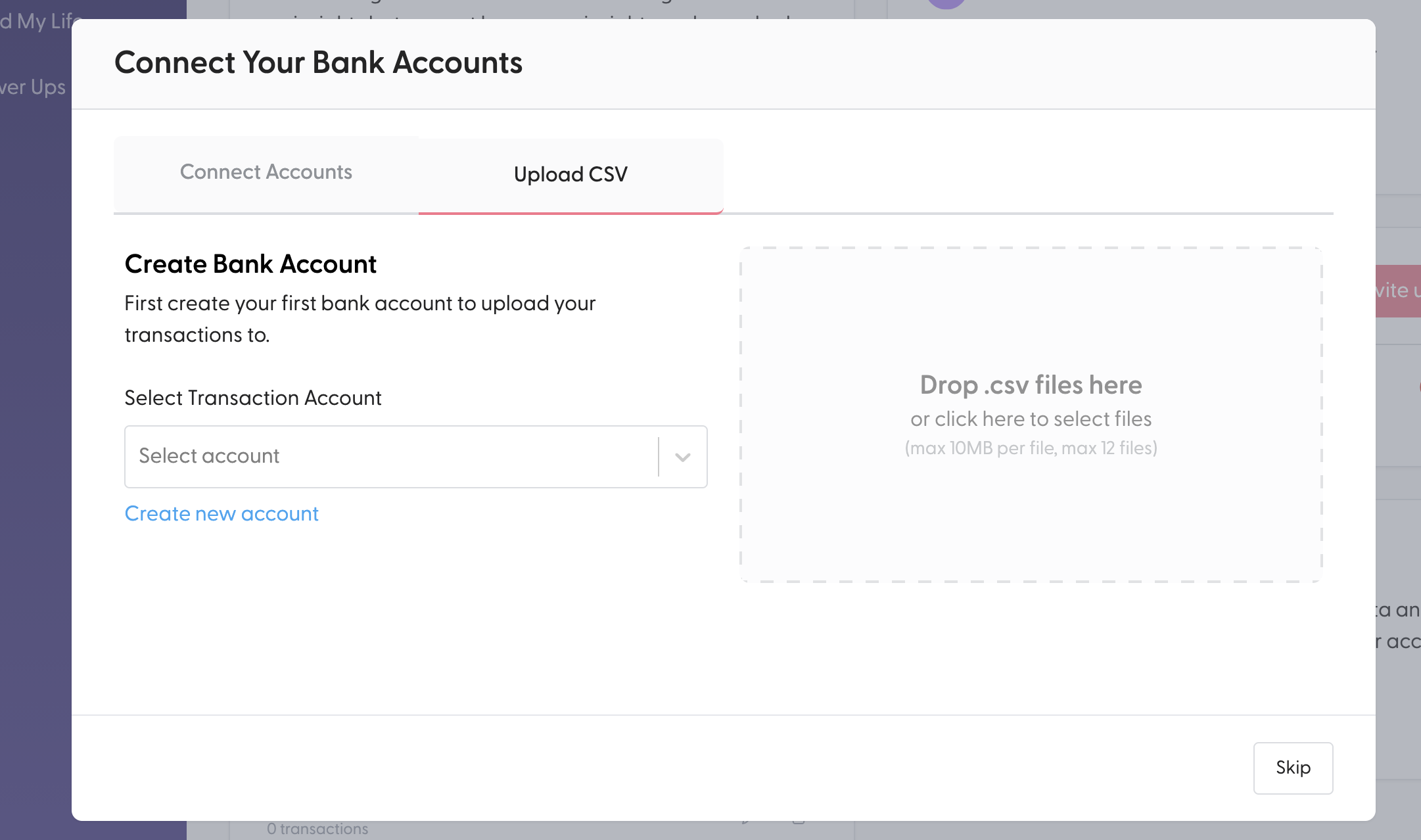
Previously, the CSV upload flow only let you choose from transaction accounts. If you wanted to bring in historical data for a credit card or loan, you were stuck. Now you can select any account from the dropdown, or create a new one on the spot.
To import, head to Settings, choose Import Transactions, and upload your CSV file. From there, pick the account you want to import into.